Where curious kids
become creators.
A thoughtful space to make, learn and wonder.
Creative tools and guided discoveries for kids ages 5 to 12.

So many ways
to say, “I made that.”
A story worth telling. A question worth asking.
Let’s see where their imagination takes them.
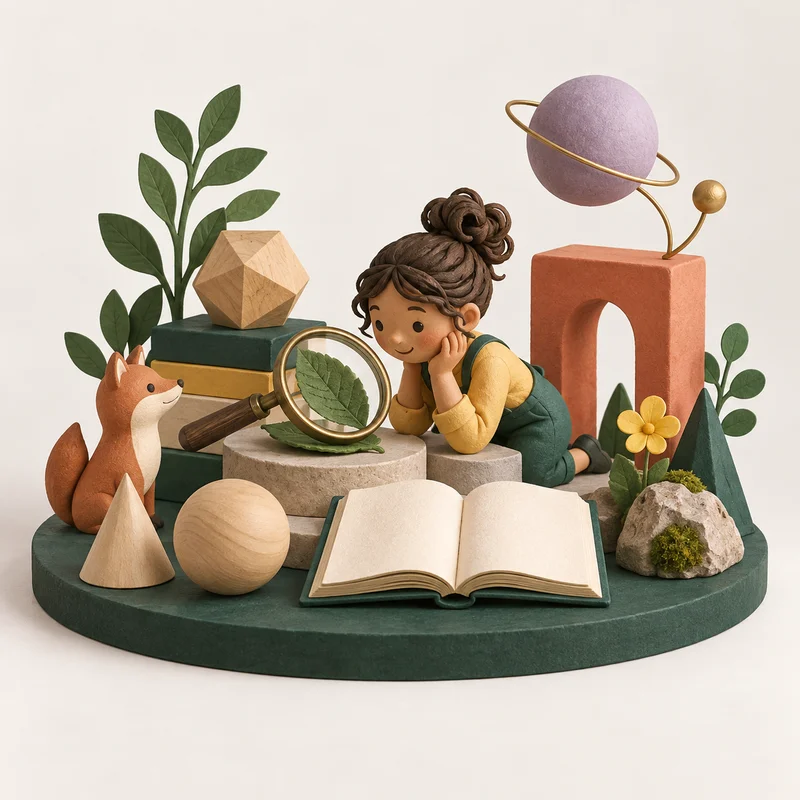
The idea is theirs.
The possibilities
keep growing.
Figment puts the child in the creative seat. They choose, make, rethink and try again. AI is a tool in the process, while their imagination leads the way.
- 01
Start with a spark
Pick something that makes them curious.
- 02
Make it their own
Choose the details. Try a different direction.
- 03
Share the “look what I did”
Make space for a conversation together.
Let them explore.
Stay in the picture.
Being involved shouldn’t mean looking over their shoulder. The parent view brings their creations, learning and family settings into one clear place.
- See what they’ve been making
- Set a pace that fits your family
- Make room for breaks
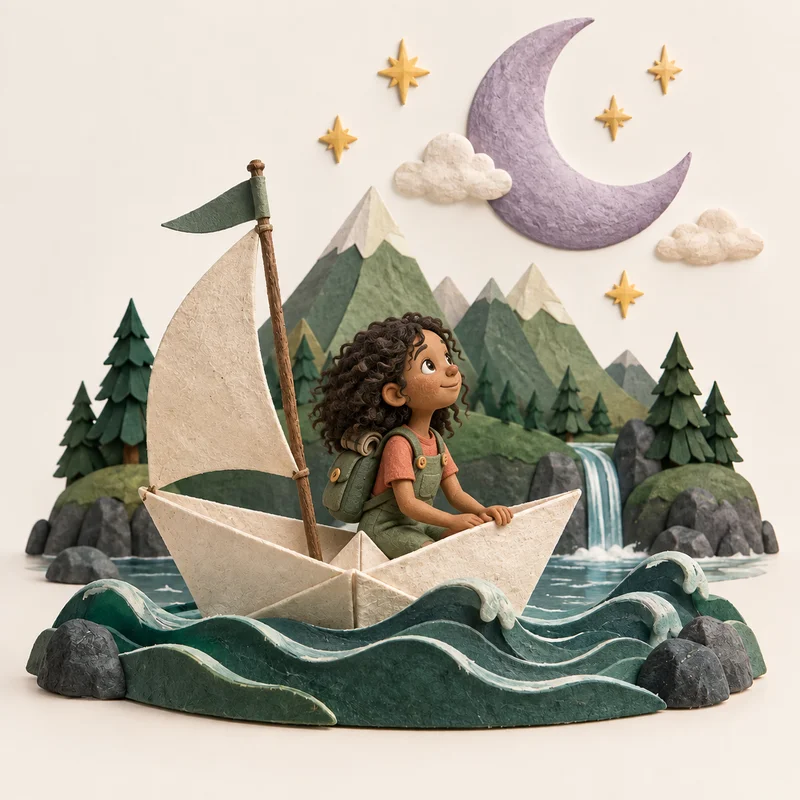
Maya and
the moon
Storybook · 4 pages “What would you change in your story?”
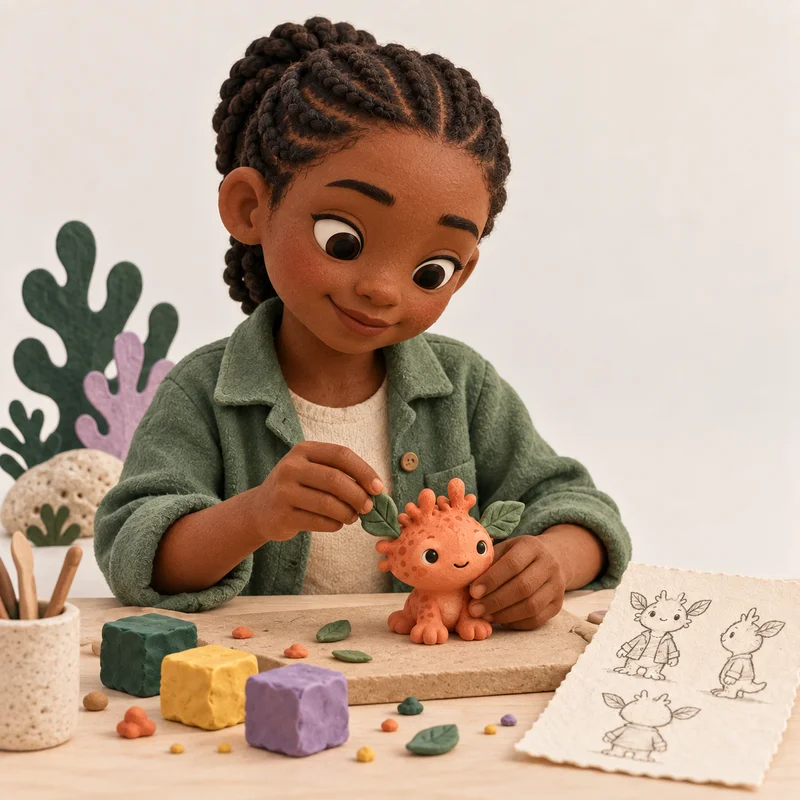 Entirely their kind of wonderful.
Different ages.
The same curiosity.
A little help. A lot of wonder.
Big pictures, simple choices and room to explore together. A grown-up can stay close while little ideas take shape.
Curious parents
welcome, too.
A few things you might be wondering.
Who is Figment for?
Figment is for children ages 5 to 12 and the parents who help them grow. Younger children can explore alongside a grown-up, while older children can take more of the creative lead.
Is this an AI chatbot for kids?
The experience is built around guided making and learning activities. Characters are things children create, not AI friends to chat with.
What can we try in this preview?
You can explore the studio, make choices in a sample story, try a fractions lesson and use a sample parent dashboard. Other activity tiles show design concepts. Nothing here uses a real child’s data or generates new AI content.
How does learning fit in?
Small discoveries sit alongside creative activities. A child might make a story, explore a maths idea or learn how to question an AI answer. The aim is to help them think, not just produce an answer.
Can I use this with my family today?
This site is an alternative design preview, not the live family account service. You can freely try its sample activities. Account setup, subscriptions and real family settings are not connected here.
What will they
dream up next?
Let’s find out Step into the sample studio. Let their imagination lead.